

From Your Wallet
The easiest if you already have USDC on Polygon.- Open deposit modal in the terminal
- Enter amount (or use 25/50/75/100% buttons)
- Click Deposit and confirm in your wallet
Requires a tiny amount of POL for gas (usually less than $0.01). If you don’t have POL, use the manual method instead.
Manual Deposit
Send USDC directly to your Safe address from any exchange or wallet.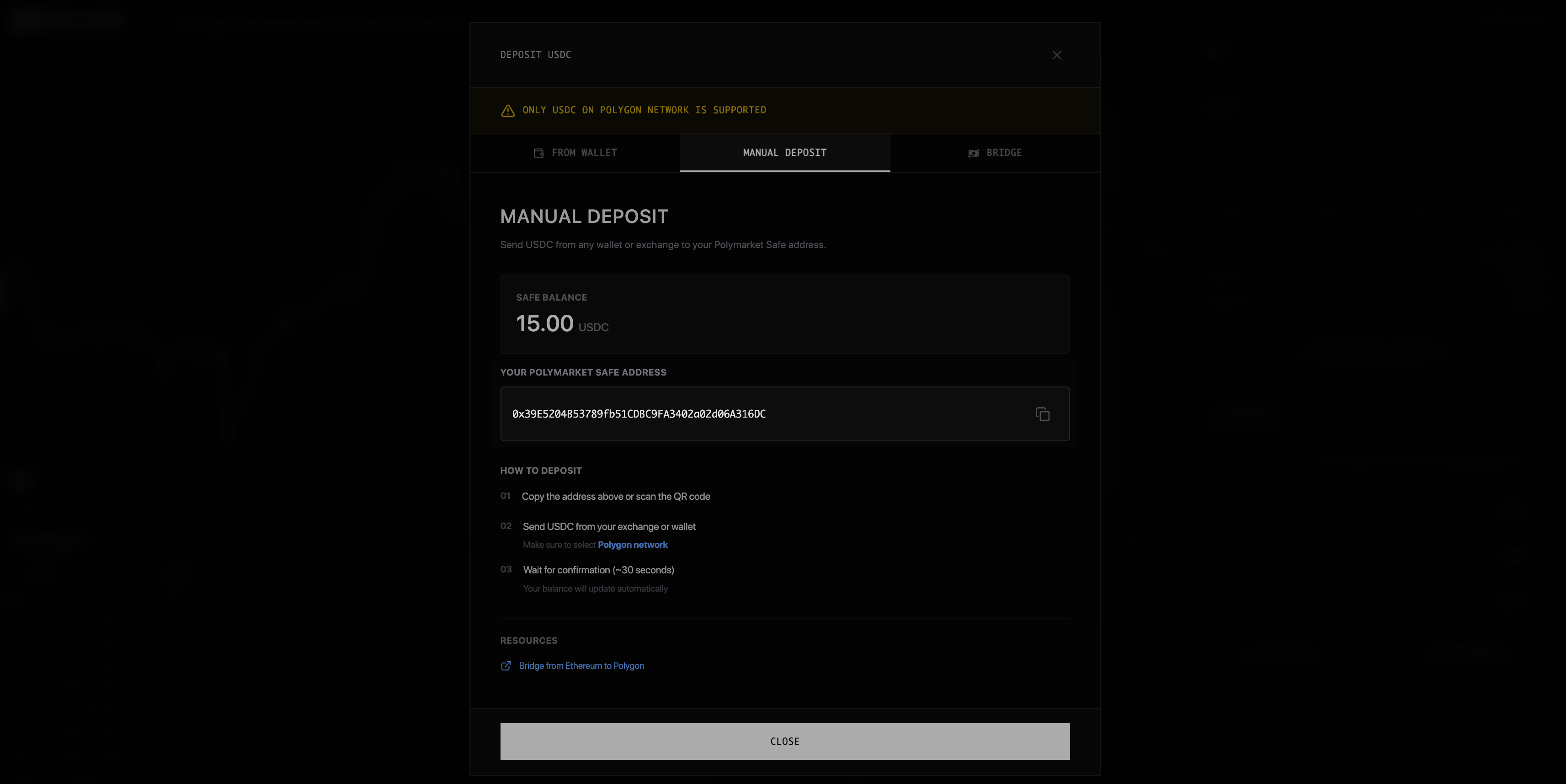
- Copy your Safe address from the deposit modal
- Send USDC from your exchange (Coinbase, Binance, etc.)
- Use Polygon network - other networks won’t work
Bridge from Other Chains
Don’t have USDC on Polygon? Bridge from other networks. Supported chains include Ethereum, Arbitrum, Optimism, Base, Solana, Bitcoin, and more. The bridge (powered by relay.link) converts your tokens to USDC on Polygon automatically.Your Balances
| Balance | What It Means |
|---|---|
| Wallet | USDC in your connected wallet (not deposited yet) |
| Safe | USDC available for trading |
| Available | What you can use right now |
Troubleshooting
Deposit not showing up
Deposit not showing up
Wait 2-3 minutes. Verify you sent on Polygon network to your Safe address (not your regular wallet). Refresh the page.
Sent to wrong network
Sent to wrong network
Funds on wrong networks may be impossible or difficult to recover. Always double-check before sending.
Bridge taking too long
Bridge taking too long
Times vary by chain. Check relay.link/transactions for status.